



01Ideas
Get ideas when you don't know what image to use.
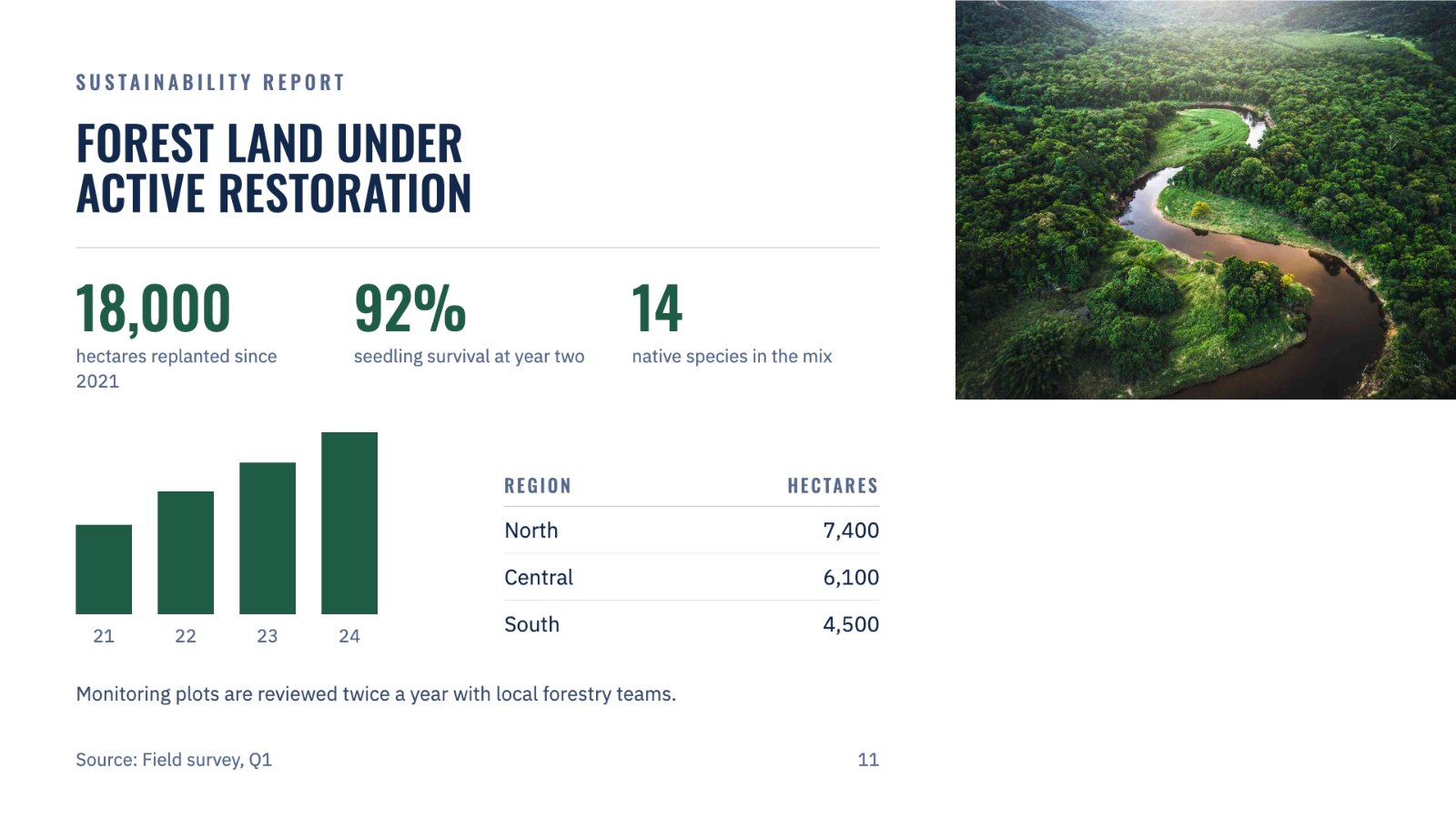
Not sure what a slide needs? Image Studio reads it and suggests a few options, like a real scene, a metaphor or a diagram. Pick one and it's made.
02Style match
Make new images match what's already there.
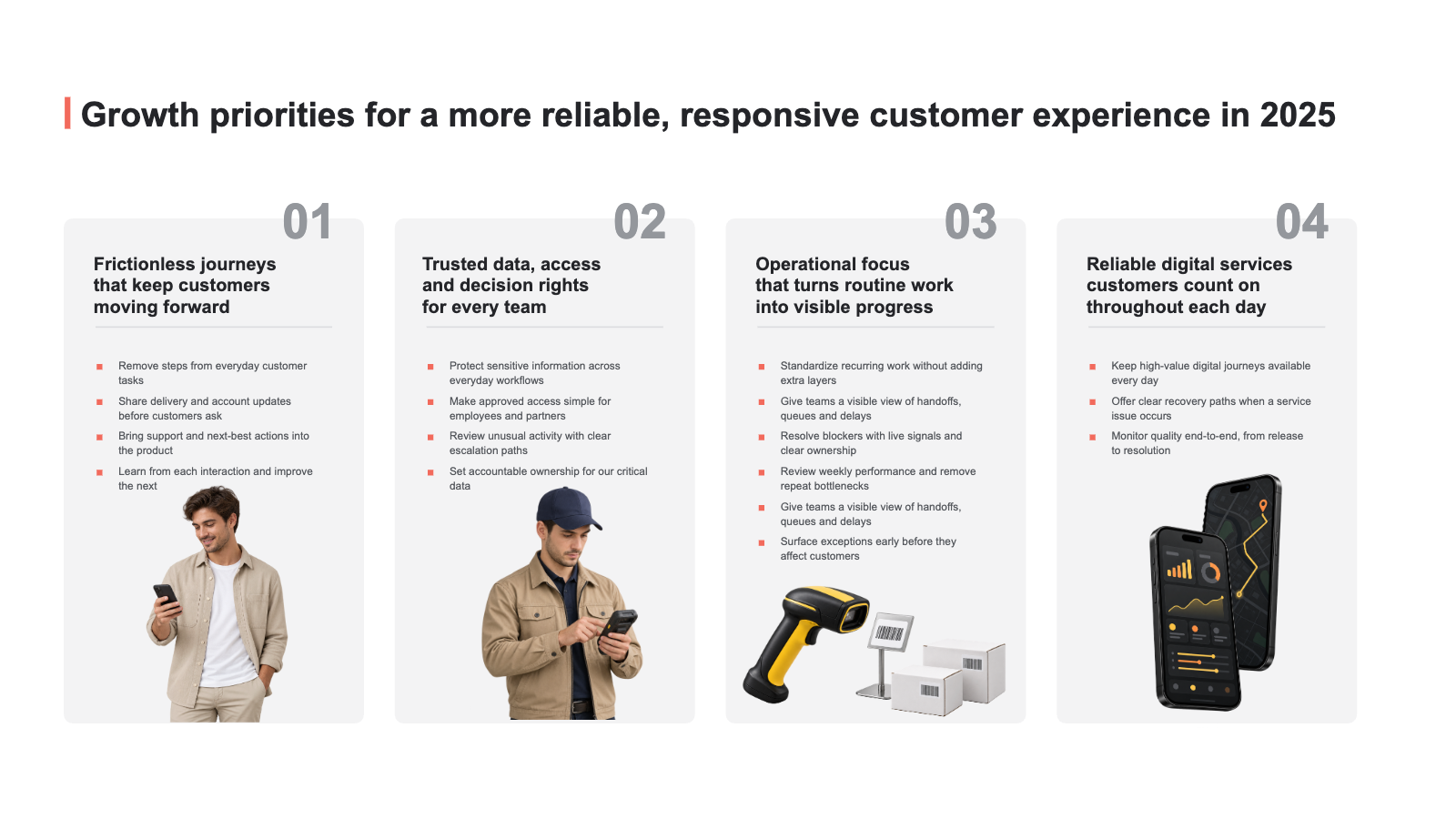
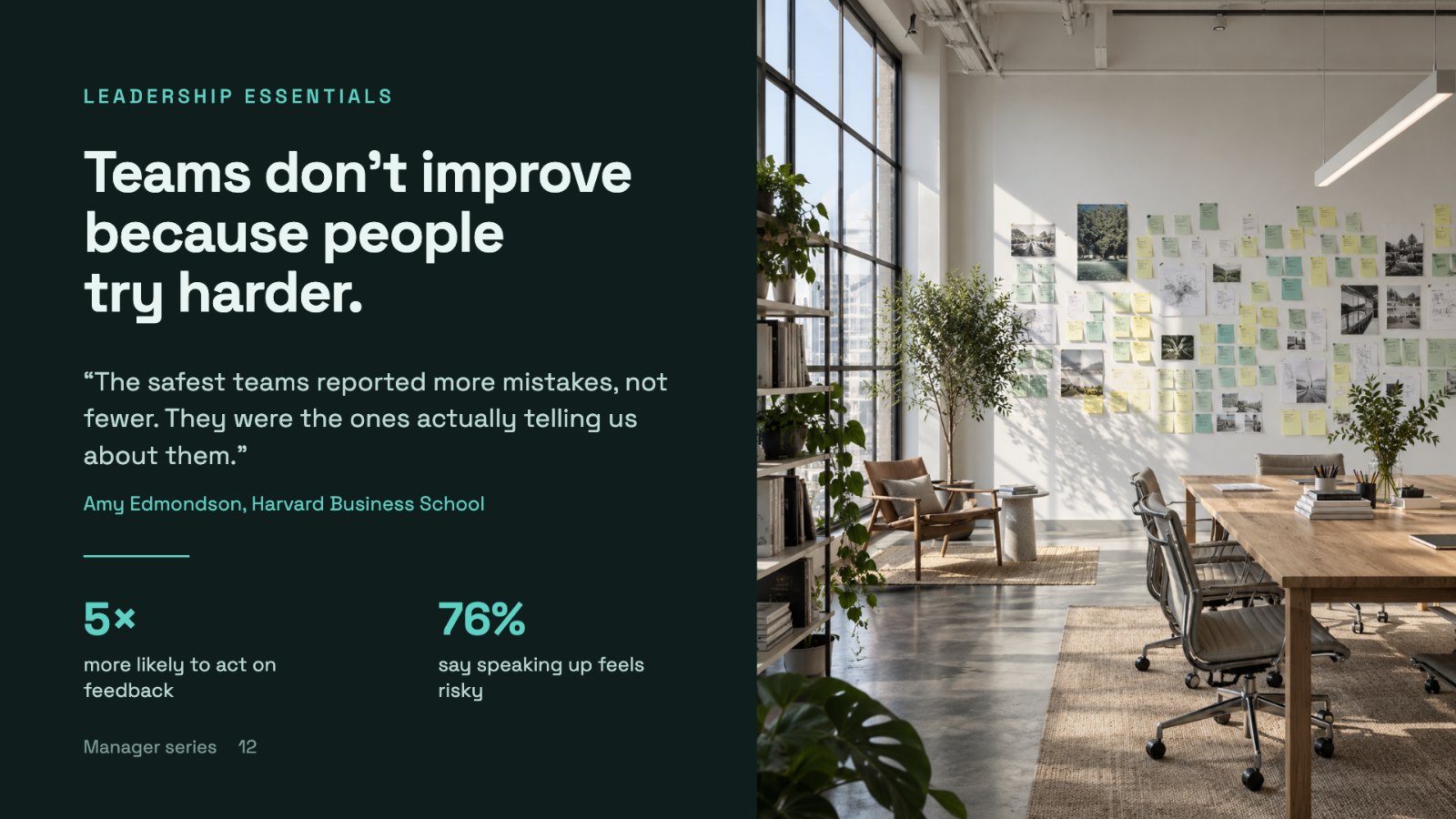
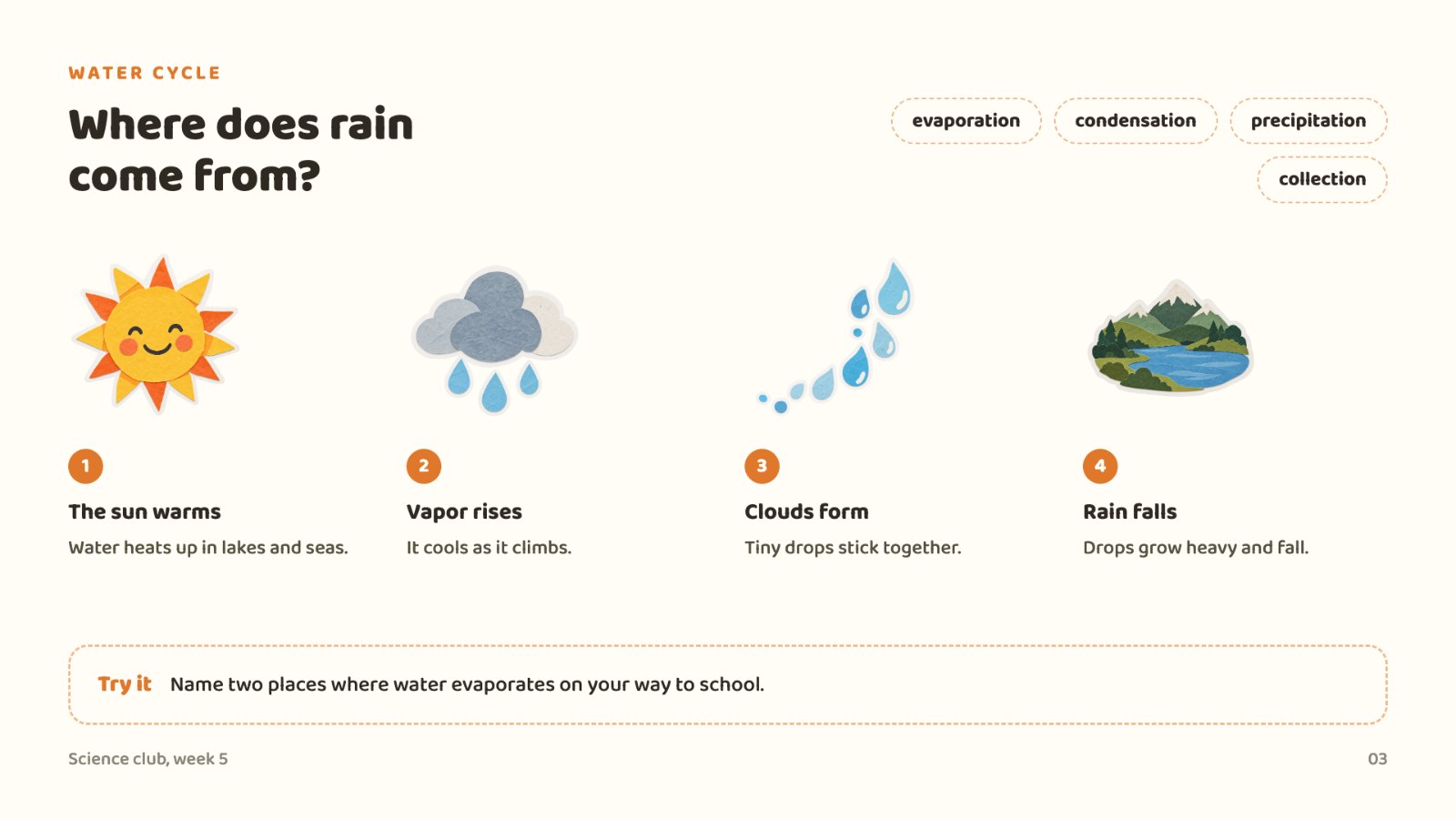
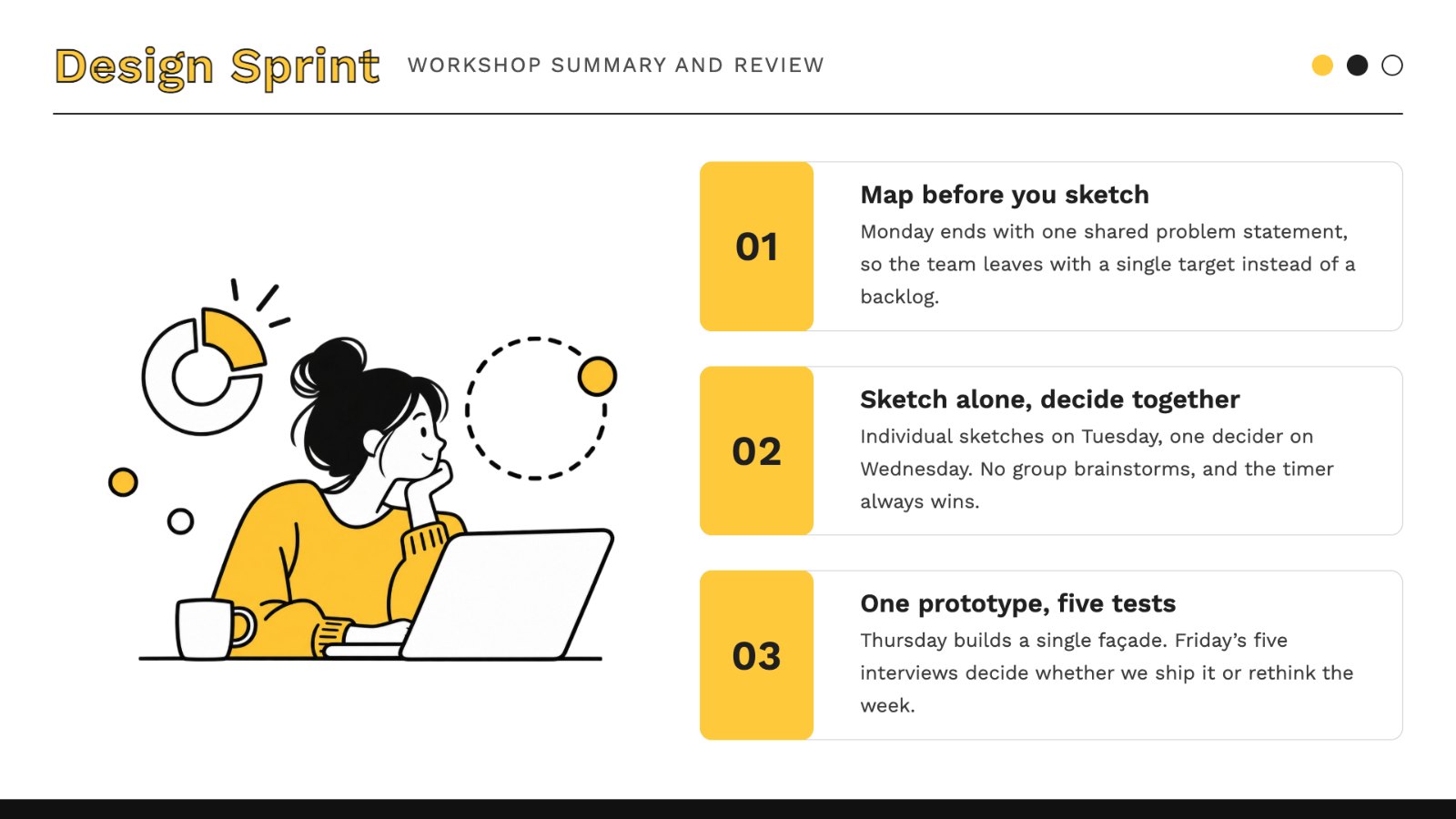
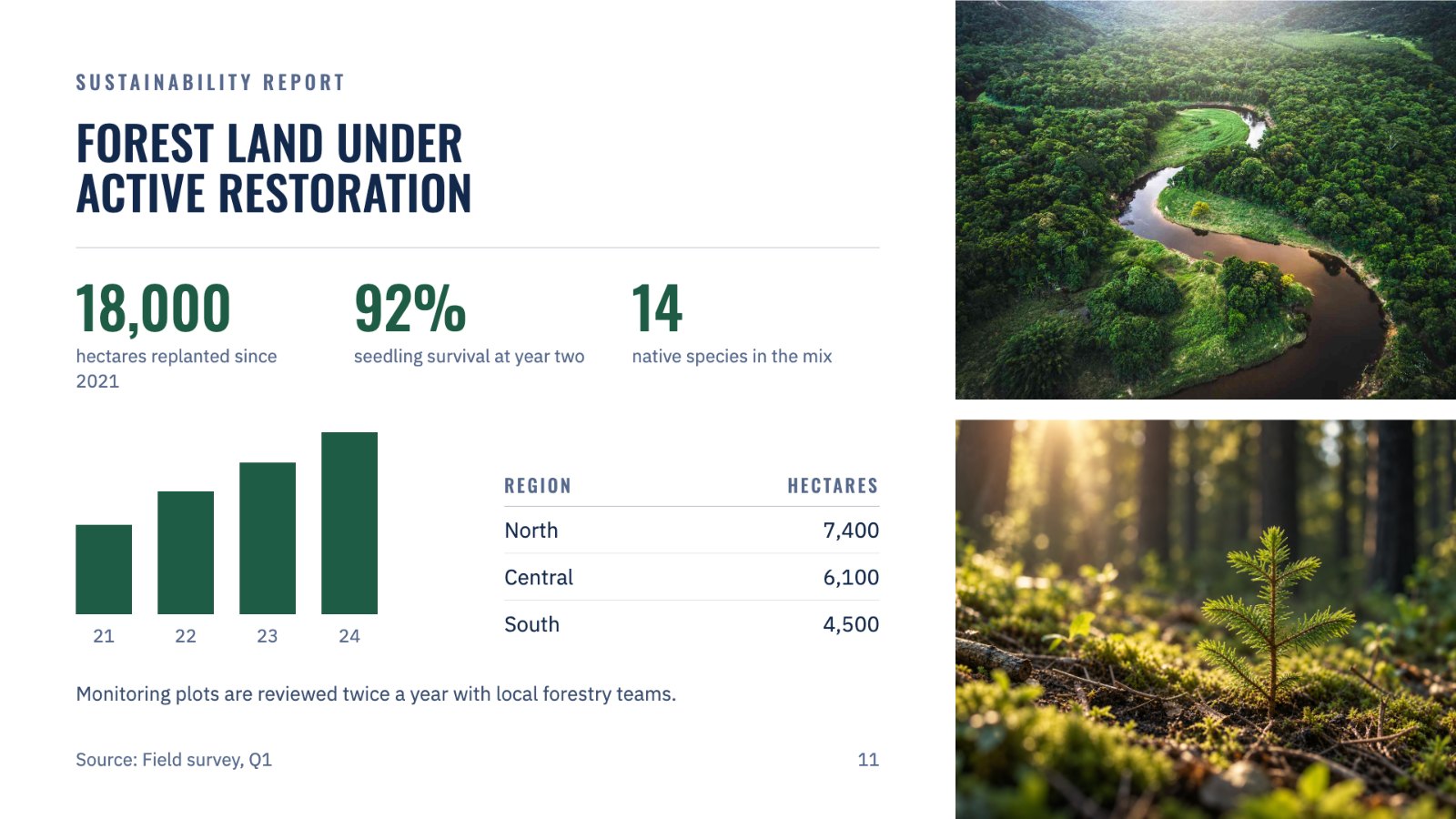
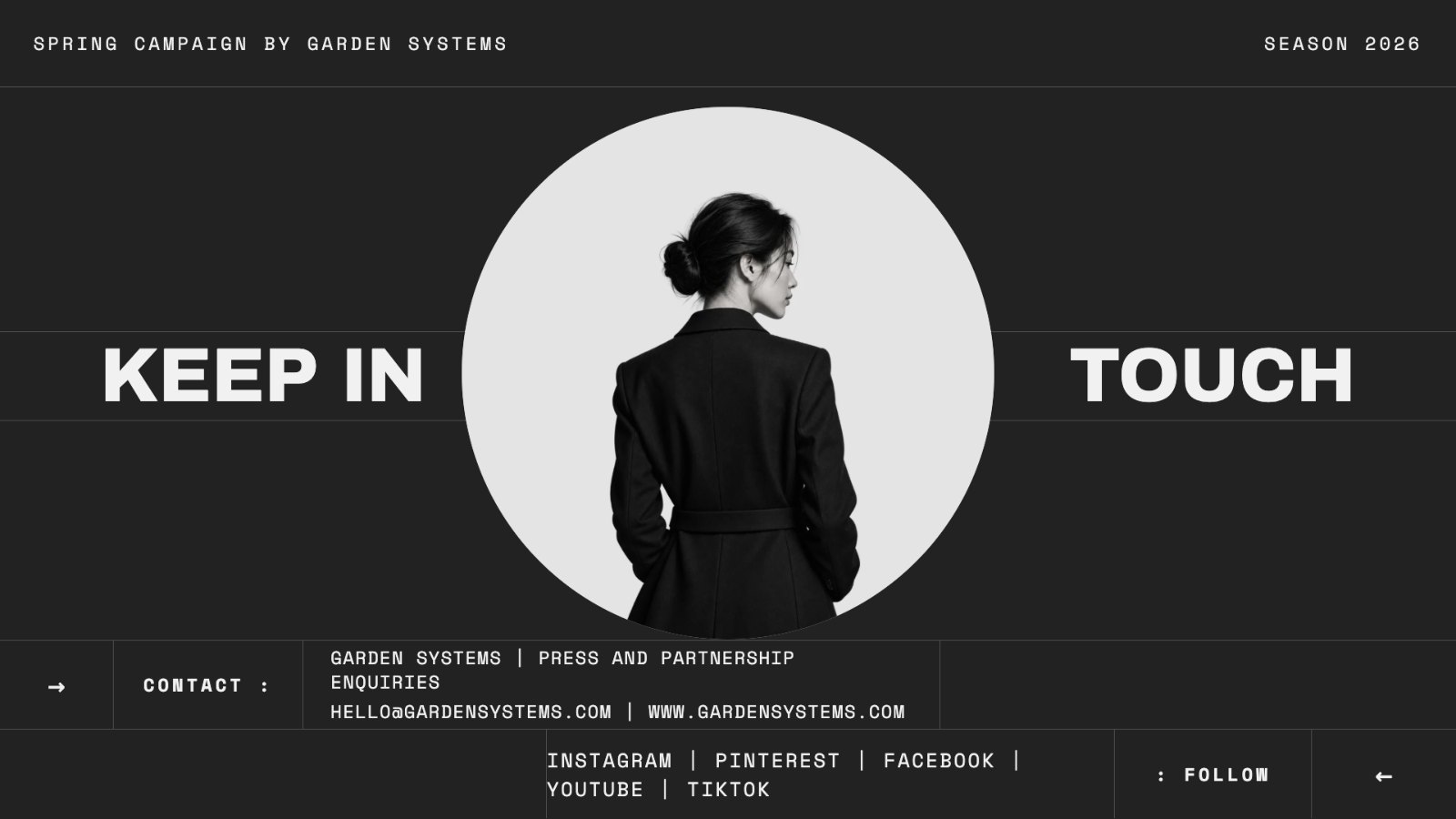
Stickers, sketches or photos. New images follow the look of the slide, from its colors to the images already on it. Nothing to set up.
03Any shape
Made to fit the space you have.
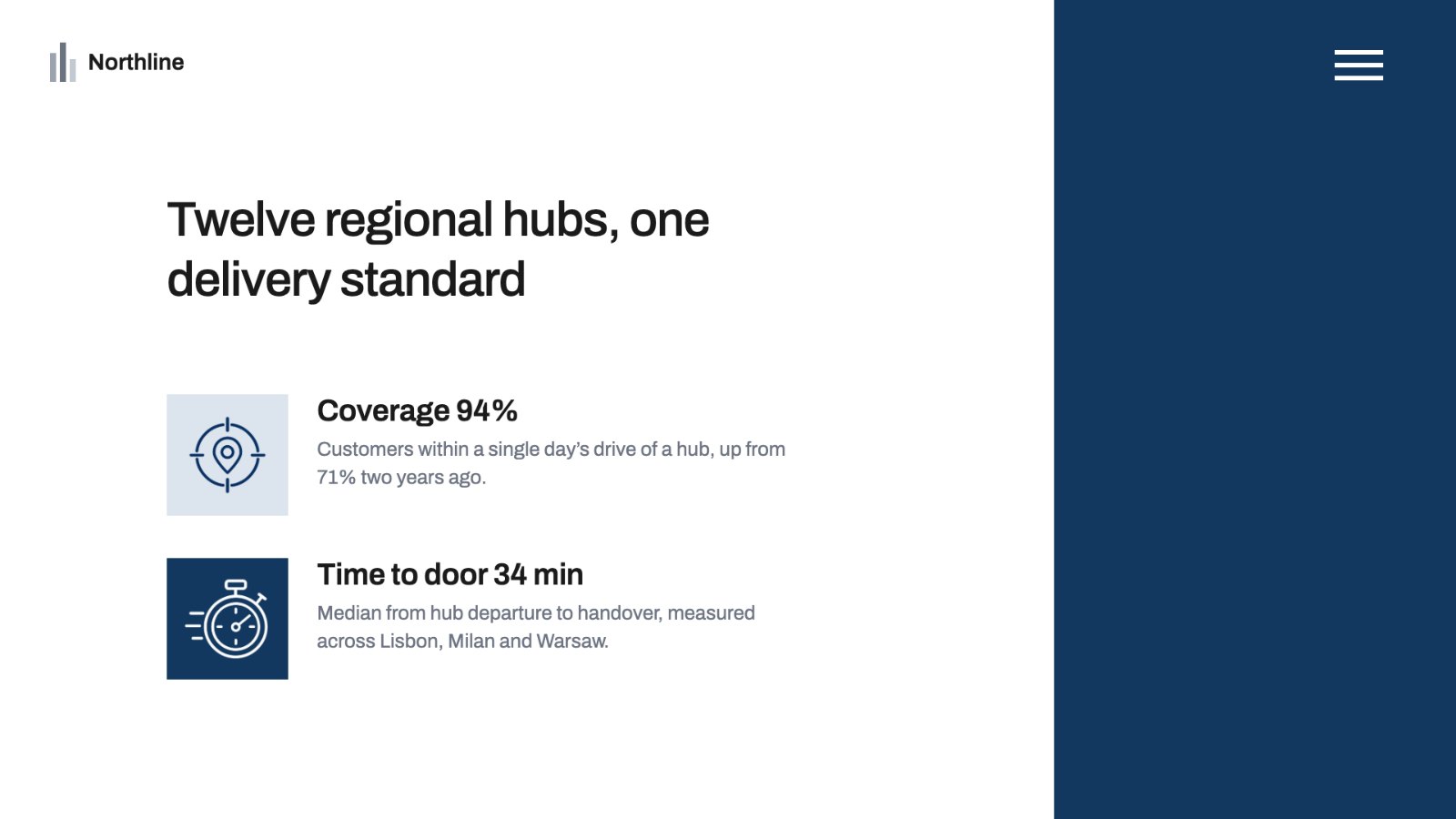
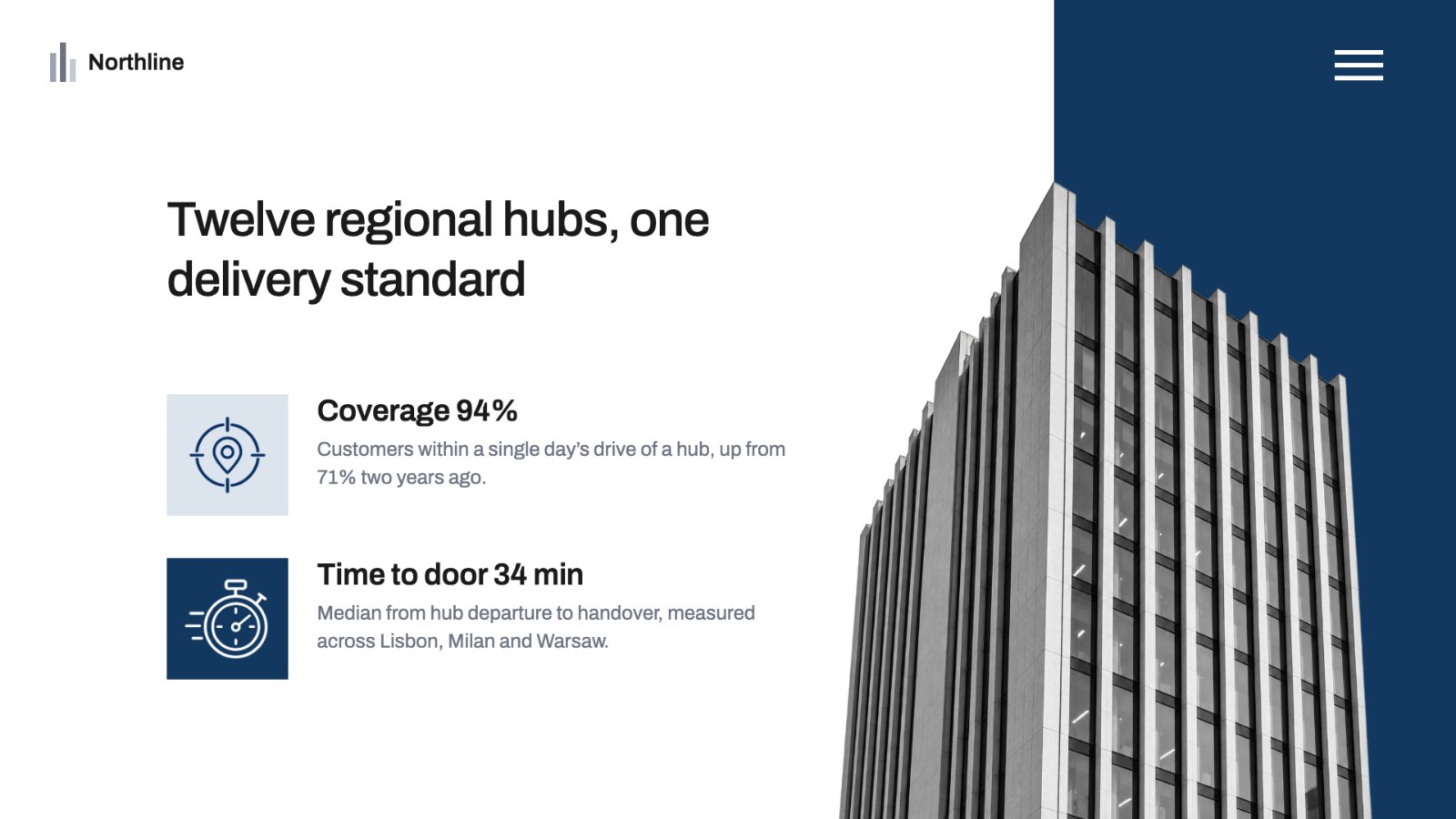
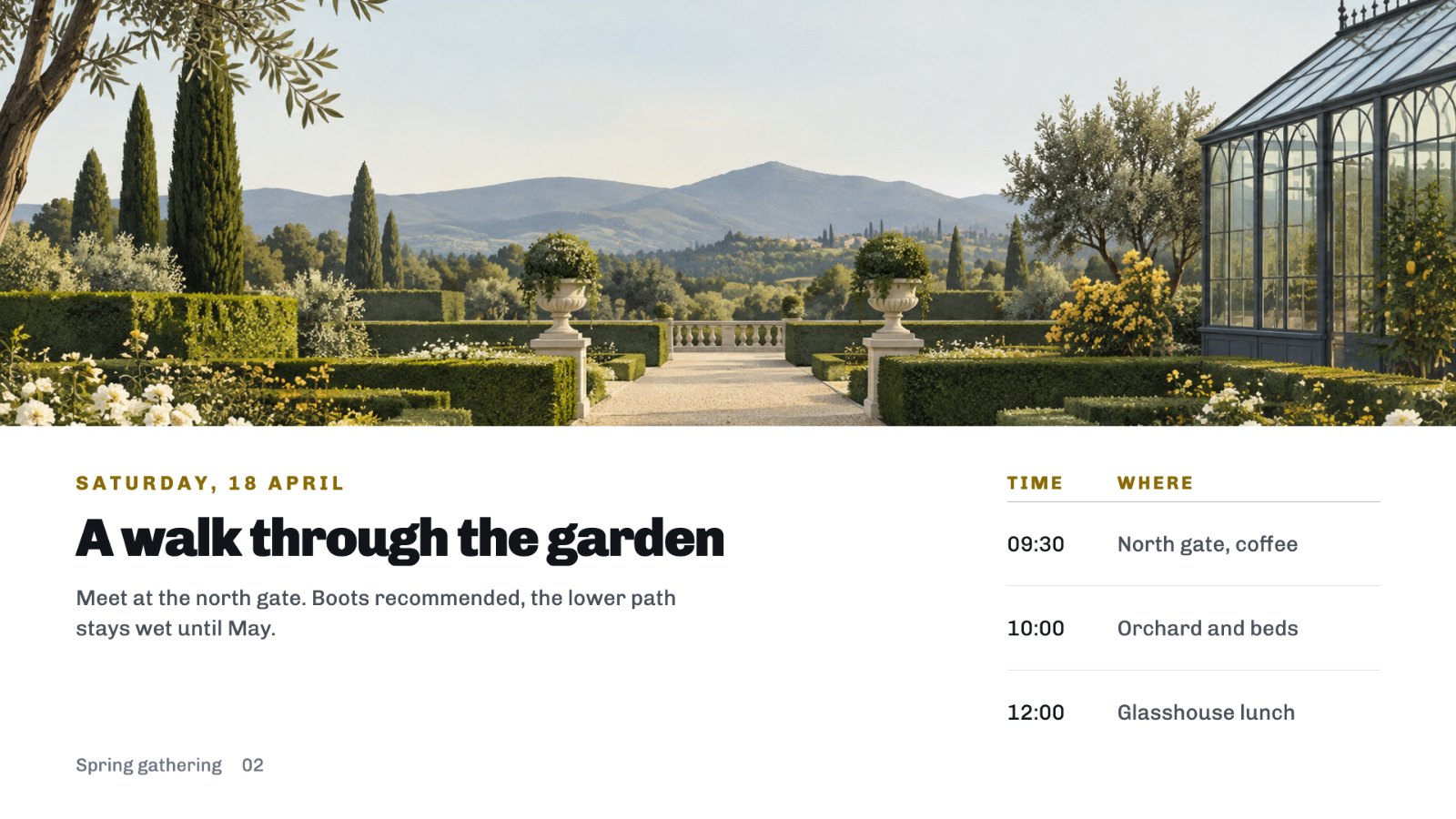
A wide banner or an object with no background. Every image is made at the exact size of its space, so you never crop or cut anything out.